Is your Gravity Analytics spirit level telling you the truth about the verticality of your walls?
Probably not all the time, or on all walls, but don't worry about it.
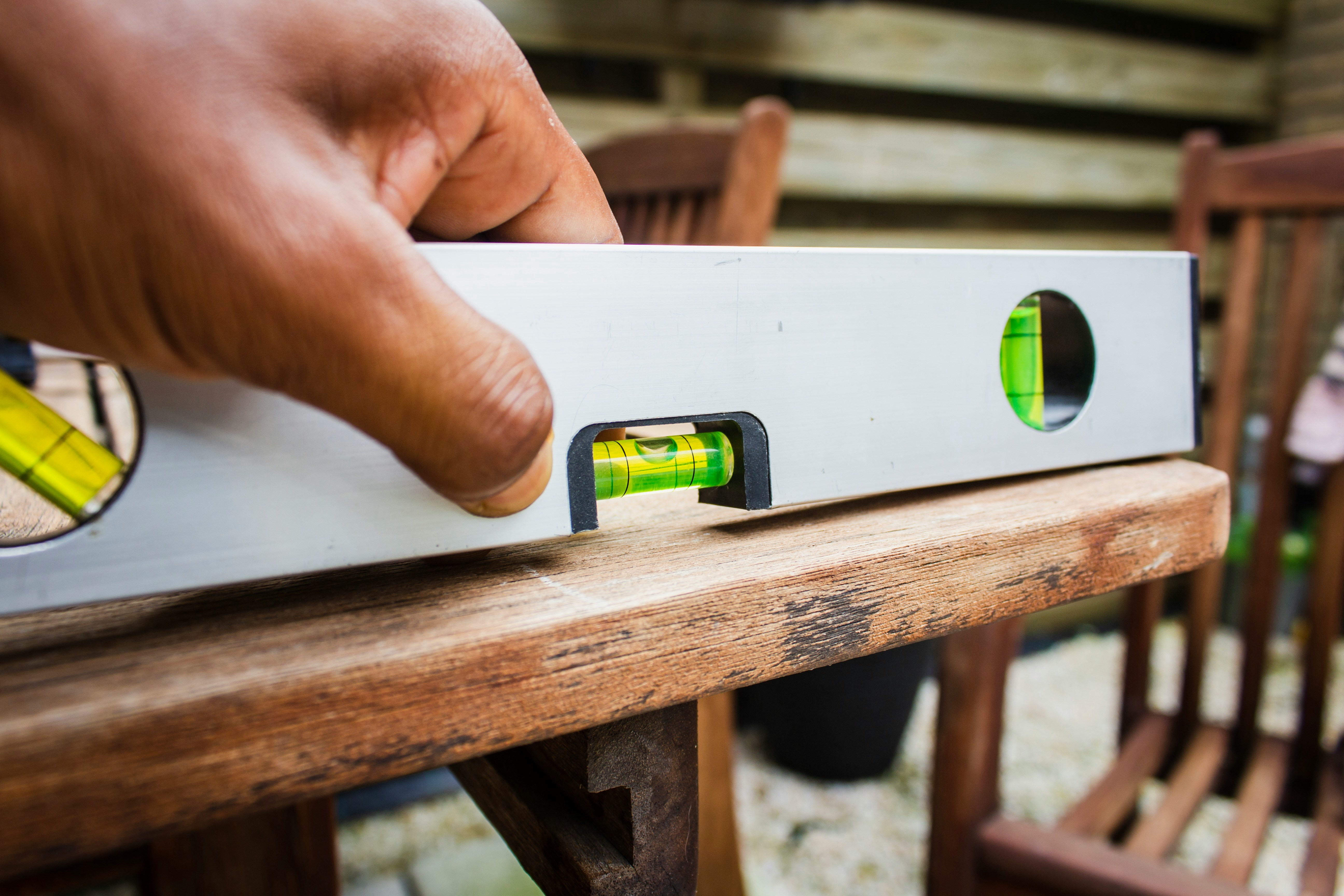
Bouncy Castles
First of all, you don’t just use this spirit level. You need to cut off its bottom padding; the factory body is not a good fit for flat surfaces because the spirit level was initially built for bouncy castles. So that bottom padding is actually preventing you from getting it flush against the straight walls and floors in a regular house and may cause misreads.
Don’t worry about it, misreads rarely happen anyway.
Gipsum Tool Manager
This spirit level is best used with a Gipsum Tool Manager - you add it to the GTM and it handles placing the spirit level on the walls, no manual placement needed. It also comes with built in pencil holes so you can easily mark placements for drilling. If you want to use the spirit level for your floors, the Gipsum Tool Manager doesn’t really fit the bill - you need FloorBase for that; to be perfectly honest, any tool you plan on using on your floors (eg purpose-built self-leveling compound buckets) will need to go through FloorBase.
Don’t worry about it, floor work rarely happens anyway.
There’s also a way to switch GTM to a Streamlined Suite setup (ssGTM), but that’s beyond the scope of this article.
Once you’ve added mounted GTM in your house, you’re ready to take measurements - it even has presets for the best pencils in the industry: we recommend Cotjar for bedroom walls and GA for almost everything.
Missing pencil marks
In a standard GA setup, you might notice that some of your pencil marks don’t show up. This is a known issue, the spirit level occasionally mistakes pencil leads for cockroach legs and erases the mark for you or prevents the lead from reaching the wall altogether. Normally, this works really well, but if you take a lot of measurements, it may start getting in your way. However, take heart! GA keeps a hard copy of all your measurements in its proprietary map, which you can access quite easily by getting a Big Quarry kit.
Trouble is, Big Quarry pencil marks are not easily readable without special glasses (they’re extremely small and also hold the coordinates of the wall in 3d space, as well as a map of the known universe with respect to your pencil marks, for every pencil mark). Really, Big Quarry was built for work in mines and industrial spacefaring operations, but it’s fine here too.
Both Big Quarry and GA marks can be readily read by the American government.
Don’t worry about it. They rarely read your pencil marks anyway.
Big Quarry Special Glasses
There are many ways of unfurling BQ GA pencil marks such that they’re worker-friendly. One of the best pairs is Gravity Analytics 4 Big Quarry (GA4BQ) - you put them on and pencil marks look almost exactly like they used to in your old Gravity Analytics spirit level.
Limitations
GA only captures pencil marks taken at intervals measured in imperial units. You can retrofit an imperial-to-metric adapter, but these tend to be fragile.
Don’t worry about it, they break rarely anyway.
We acknowledge that, due to regulations, pencil marks may not show up at all, regardless of spirit level choice - however, we remain confident that 40% of pencil marks on a wall can result in a straight enough line. You may skirt this limitation and use permanent marker instead, and captured marks jump to up to 80%, but they may show through paint and plaster and cause you to fail code inspections.
Don’t worry about it, inspections rarely happen anyway.
Before you go
I think the team at GA4BigQuarry should build their own spirit level. They know plenty about them, are tremendously good at their job and lovely people overall. This piece is not a dig (ha!) at them.